Catch CSS bugs
before your users do.
Test your layout on 67+ devices at once — in real Safari and Chrome, in a single window.
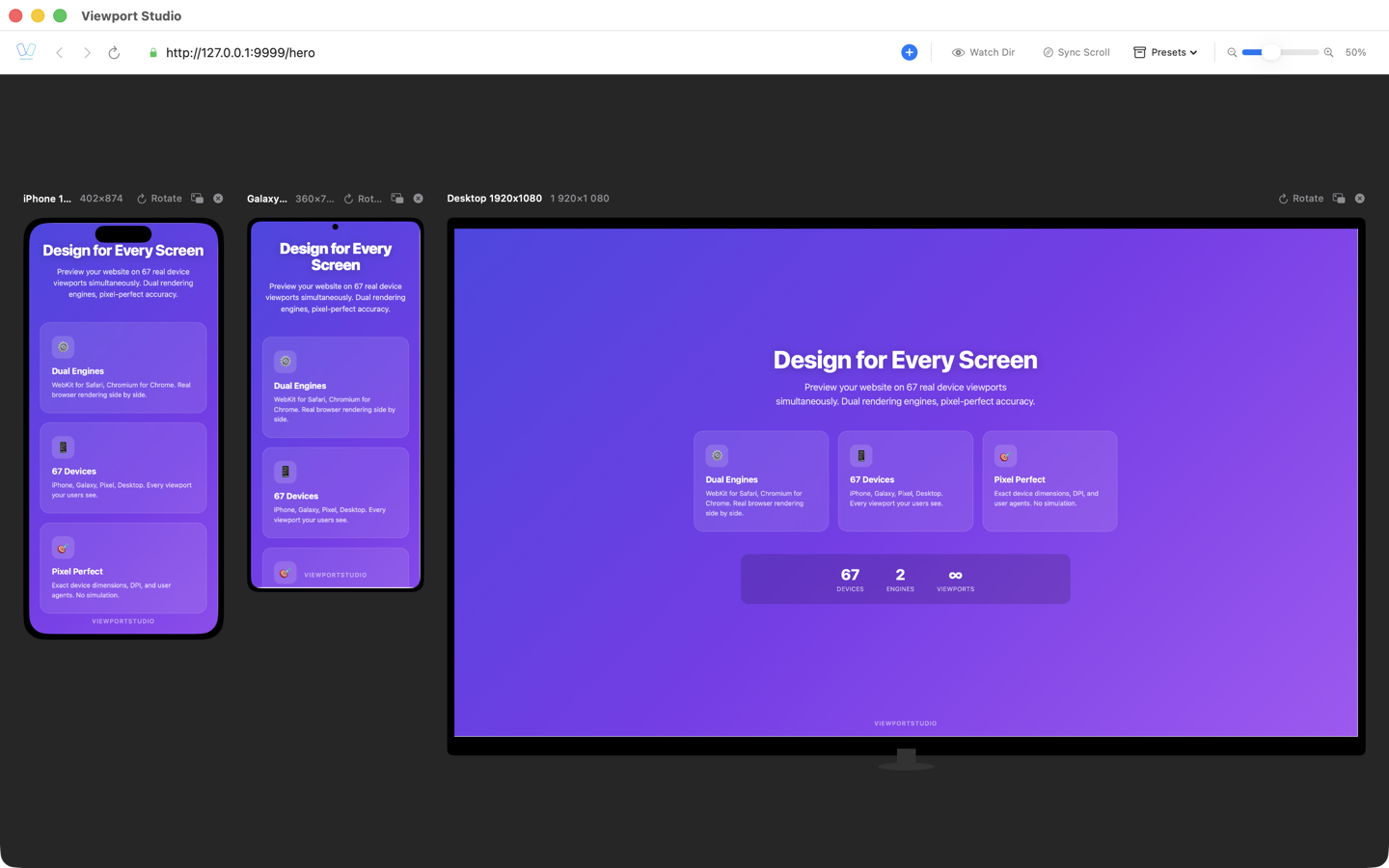
Every professional has their own tool.
What about web developers?
Detachable windows and multi-monitor
Detach any device into a separate window and spread them across monitors. Navigate in one — updates everywhere.
Full Safari Web Inspector and Chromium DevTools built in. Debug without switching apps.
Open Documentation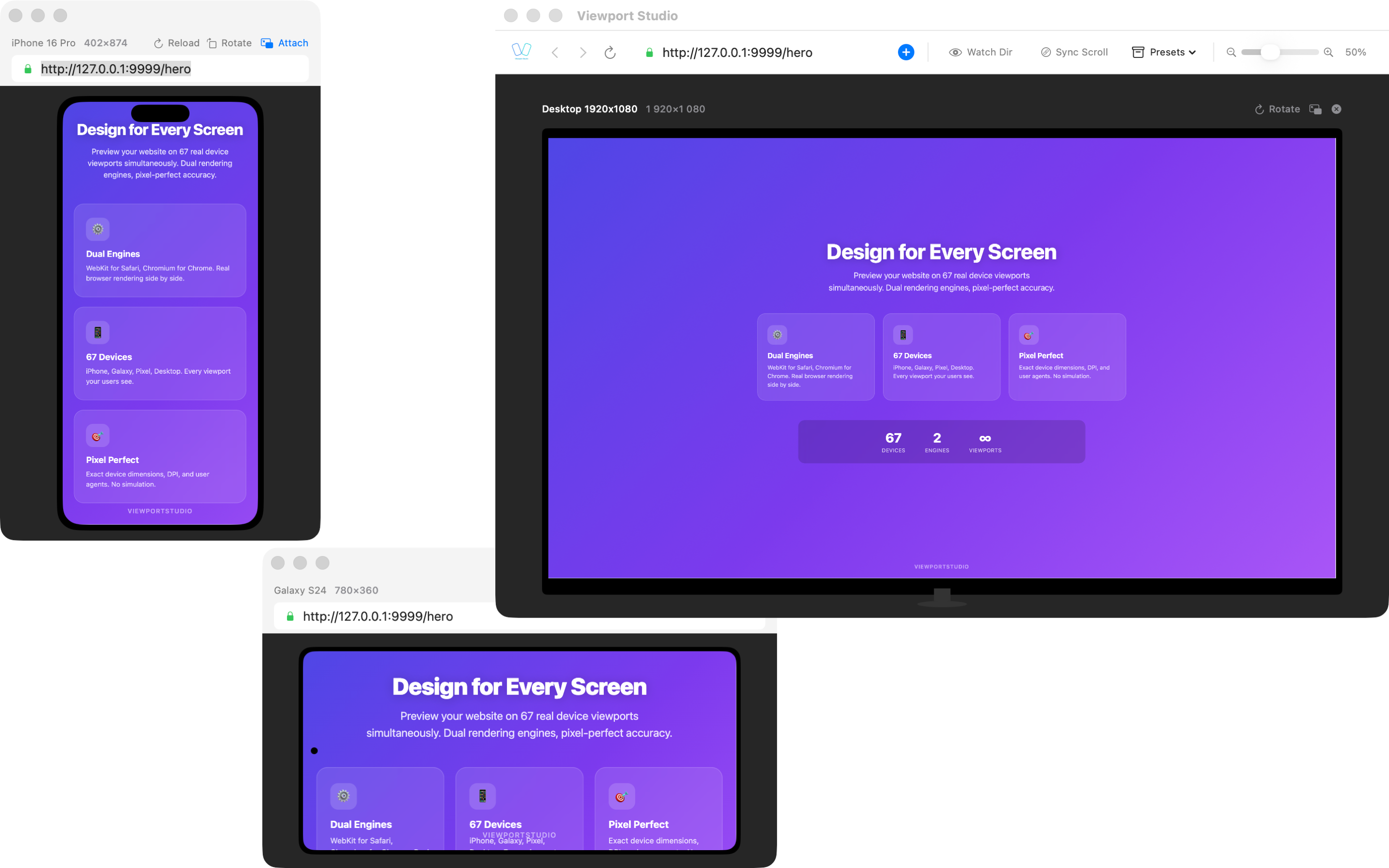
Two browser engines side by side
WebKit for accurate Safari rendering, Chromium for Chrome. See both at once — and instantly spot cross-browser differences in CSS, fonts, and scrolling.
No more switching between apps. One URL — two engines — one window.
Try for Free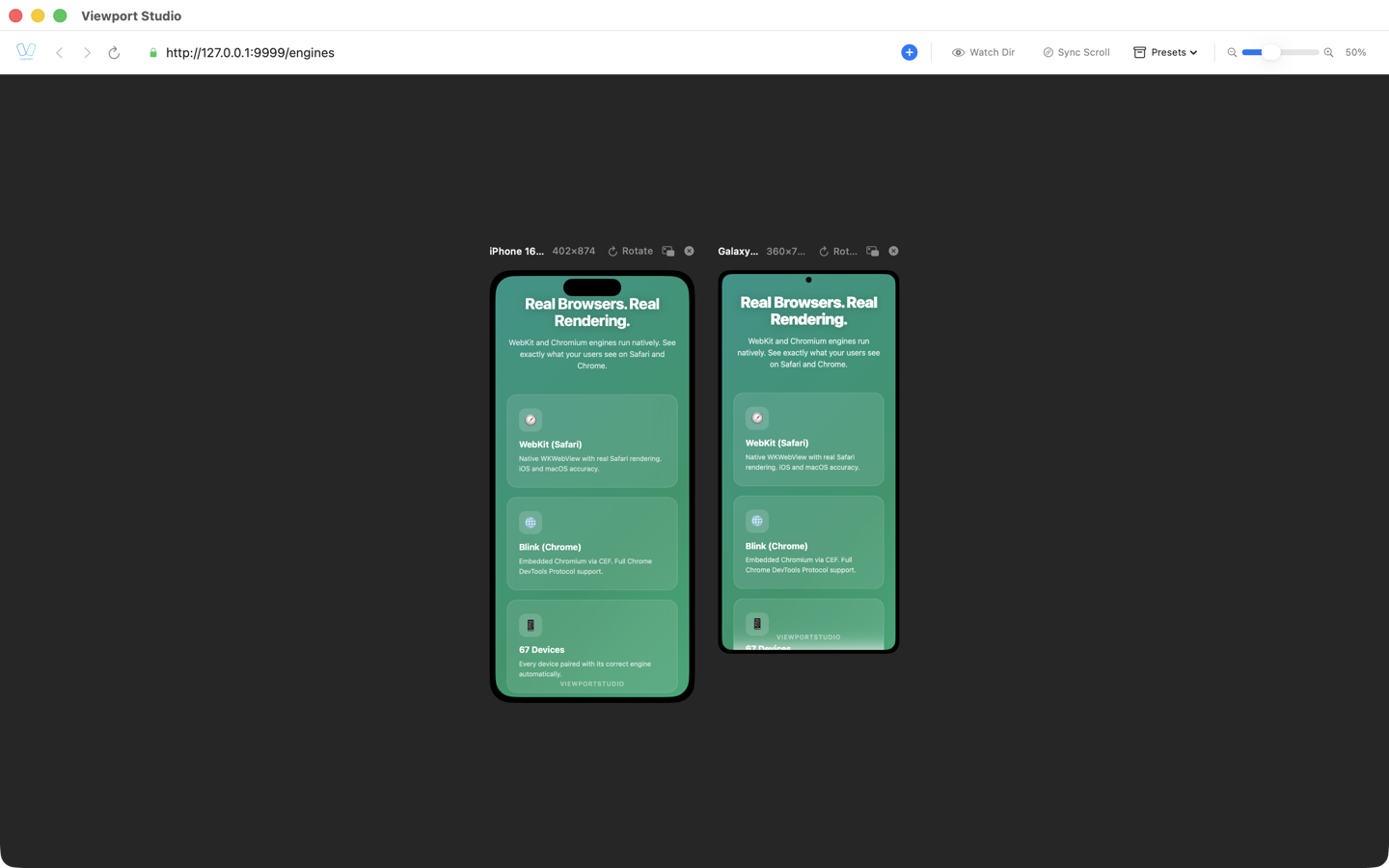
67+ devices simultaneously
Fill your screen with all the devices you need — iPhone, iPad, Android, desktop. Auto-layout arranges them in multiple rows.
Synchronized scrolling, synchronized navigation. Scroll once — see it on every device.
All 67+ Devices →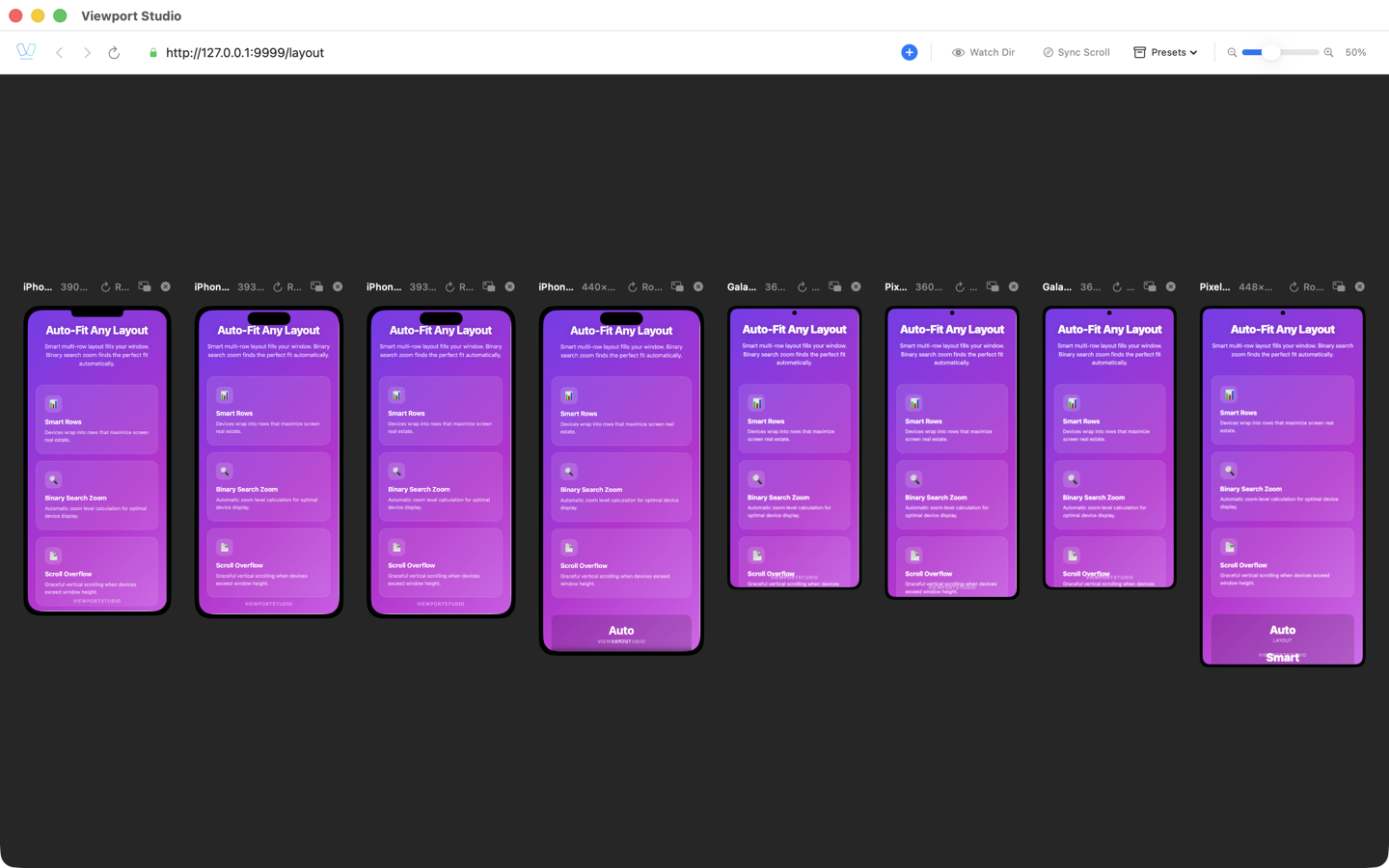
And more
Native macOS
Swift and AppKit — not Electron. Fast startup, low memory usage.
Folder Watching
Point to your project folder — all devices reload on file changes.
Automation API
Full CLI and runtime API for AI agents and scripts.
Built-in DevTools
Safari Web Inspector and Chromium DevTools — without switching apps.
Comparison
Comparison by key testing and debugging criteria.
| Feature | BrowserView | Sizzy | Polypane |
|---|---|---|---|
| WebKit Engine (Safari) | ✓ | ✗ | ✗ |
| Chromium Engine | ✓ | ✓ | ✓ |
| Native macOS App | ✓ | Electron | Electron |
| Safari Web Inspector | ✓ | ✗ | ✗ |
| CLI Automation | Full API | Limited | Limited |
| Runtime Scripts | ✓ | ✗ | ✗ |
FAQ
How is this different from Chrome DevTools?
Chrome DevTools emulates device dimensions but uses the Chrome engine. BrowserView runs real WebKit (the Safari engine) alongside Chromium, catching actual cross-browser differences.
Why both engines — WebKit and Chromium?
Safari and Chrome render CSS differently — flexbox gaps, font rendering, scroll behavior. Testing in both engines finds bugs before your users do.
Does it work with localhost?
Yes. Point any device to http://localhost:3000 or any local URL. Use folder watching for auto-reload on file save.
Can AI agents control the app?
Yes. Full CLI arguments and runtime notifications let AI agents add devices, navigate, take screenshots, and open DevTools programmatically.
Try for Free
Enter your email — we'll send you a download link and license key.